
Voice notes
Review a saved message when the pacing, breathing, pronunciation, or emotional tone sounds unusual.
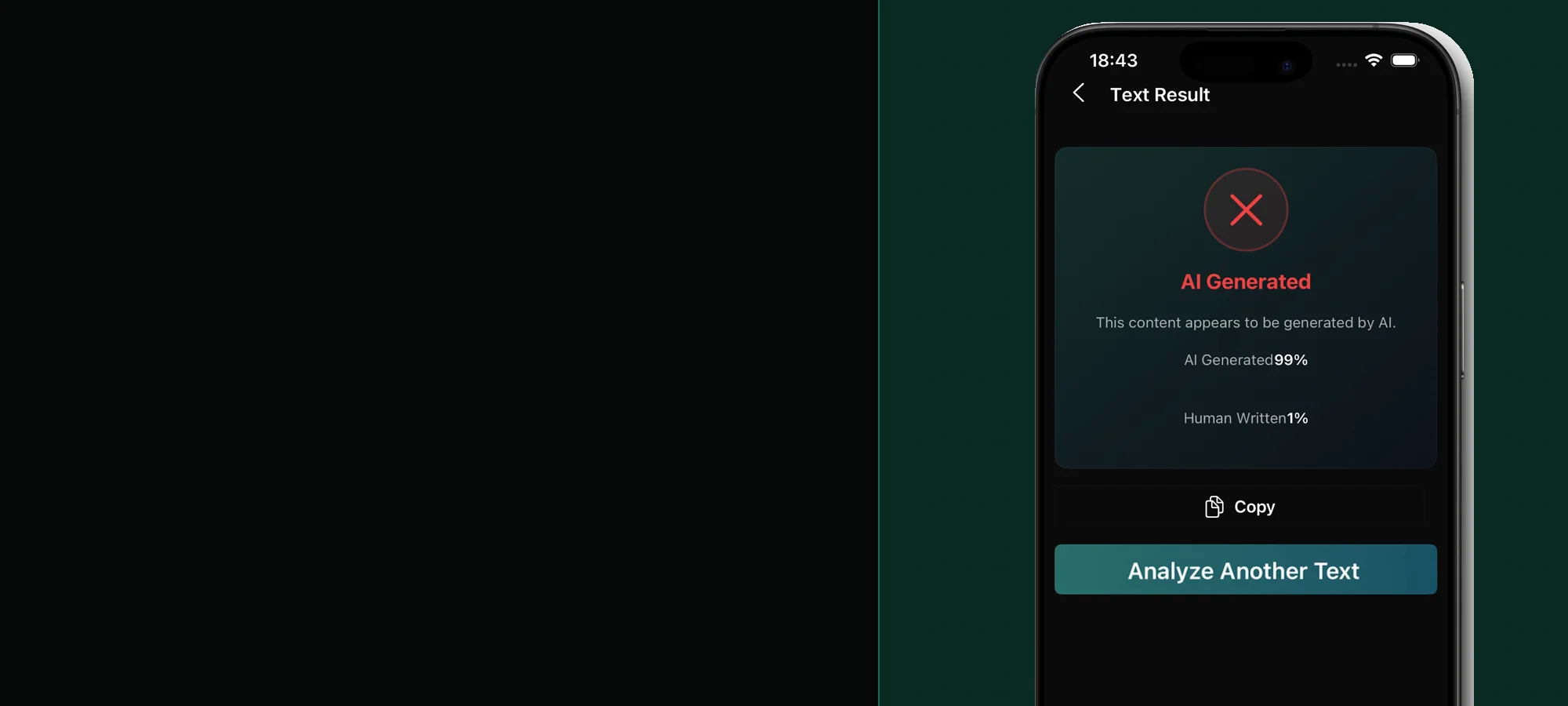
AI voice and cloned-audio checks on mobile
Analyze a saved voice note or recording on iPhone or Android, then verify the claimed speaker through a channel you already trust.


Built for mobile checks
Review a saved message when the pacing, breathing, pronunciation, or emotional tone sounds unusual.
Treat urgent requests for money, credentials, or secrecy as a reason to verify through another channel.
Use the clearest available audio export when a clip may contain a cloned or synthetic speaker.
Check MP3, WAV, or M4A files while preserving the original recording and surrounding context.
An audio model can look for patterns associated with synthetic speech, but it cannot prove who is speaking. If a recording asks for money, account access, secrecy, or urgent action, stop and contact the person through a number or account you already know.
A clean clip with one speaker is more useful than a few words buried under music, traffic, or overlapping conversation. Preserve the highest-quality file available and avoid converting it repeatedly before analysis. Read the phone guide to AI-generated voice checks for listening and verification steps.
A simple phone workflow
Avoid re-recording through a speaker or repeatedly forwarding the clip because quality loss can hide useful signals.
Select the saved recording in the app and review the AI and human probability signals.
Call a trusted number or ask for a new message containing an agreed phrase before acting on a sensitive request.
Before you download
You can analyze a saved MP3, WAV, or M4A file in the app. Very short clips, music, overlapping speakers, and heavy noise can make the result less useful.
The workflow analyzes a saved audio file; it is not presented as real-time caller authentication. Follow local recording laws and verify callers through a trusted channel.
No. A detector cannot establish a person's identity. Use independent contact information and a shared fact or phrase to verify a sensitive request.
Stealth AI Detector supports MP3, WAV, and M4A audio files in its mobile audio-detection workflow.
Stealth AI Detector