
Social feed images
Save the original post image when a face, event, product, or news-style photo looks synthetic.
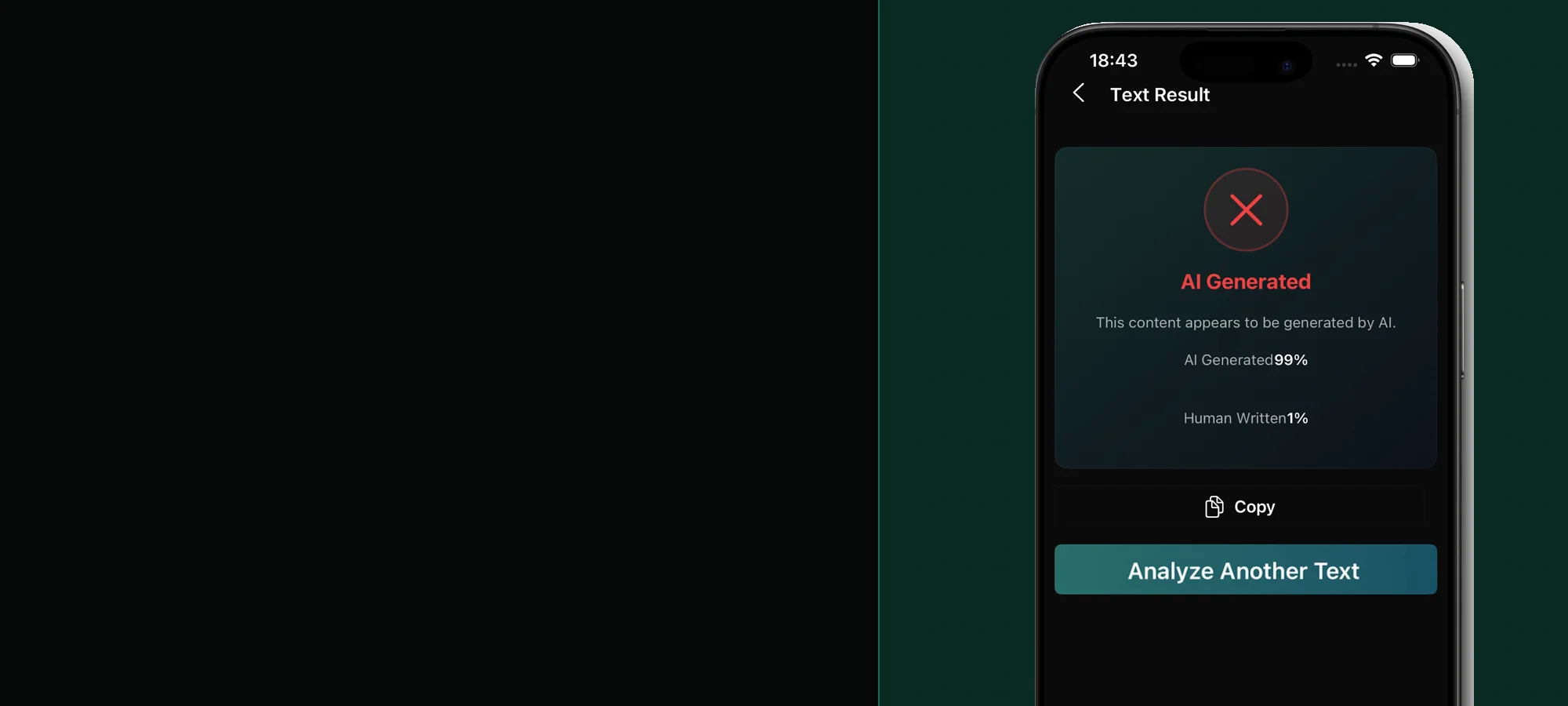
Real or AI image checks on mobile
Review a suspicious photo or illustration from your camera roll, then compare the probability signal with the image source and available provenance.


Built for mobile checks
Save the original post image when a face, event, product, or news-style photo looks synthetic.
Review an image received through a chat while keeping the sender and surrounding conversation in context.
Check illustrations, profile photos, product images, or portfolio work without relying only on visual glitches.
Select JPG, PNG, or WebP content already stored on the phone and compare the result with its source.
People often encounter the image inside a social app or message, not as an untouched original. That makes source checking as important as pixel analysis. Note who posted it, what claim accompanies it, and whether an earlier version appears elsewhere before treating any detector result as final.
Look at text, reflections, repeated objects, background faces, jewelry, fine patterns, shadows, and perspective. These details can point to areas worth reviewing, but ordinary camera processing and editing can create similar artifacts. Use the mobile image verification guide for a source-first checklist.
A simple phone workflow
Use the original or highest-resolution image rather than a cropped screenshot or repeatedly forwarded copy.
Choose the image from your phone and let the app calculate AI and human probability signals.
Check earlier versions, provenance, captions, and reputable coverage before deciding whether the image is trustworthy.
Before you download
Yes. Select a supported JPG, PNG, or WebP file from the image-detection workflow in the mobile app.
Yes. Phone image processing, compression, restoration, editing, and screenshots can affect visual signals. A probability score is not proof that an image is generated or authentic.
Use the original file when it is available. Screenshots add interface elements and compression, and they may remove metadata or provenance that helps with verification.
Stealth AI Detector is available on Android through Google Play and on iPhone through the Apple App Store.
Stealth AI Detector