
Paste text
Check an essay, article, email, or caption without moving to a desktop workflow.
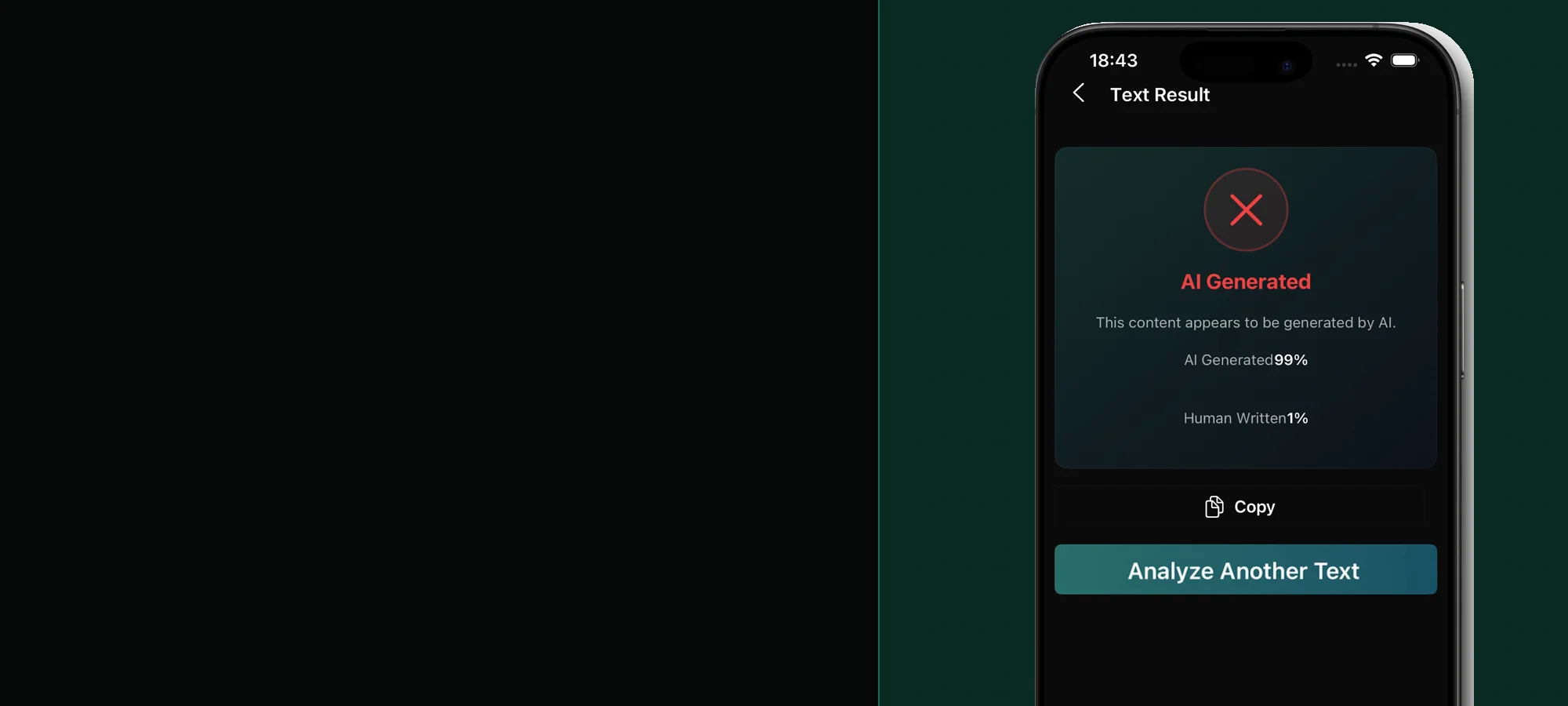
Mobile AI detection for text, images, and audio
Check the content you encounter on your phone, then review clear AI and human probability signals without moving files through a desktop workflow.


Built for mobile checks
Check an essay, article, email, or caption without moving to a desktop workflow.
Bring in readable text from a PDF or use camera text recognition when the words are inside a photo.
Review a suspicious photo or illustration saved from a message, website, or social feed.
Analyze a saved MP3, WAV, or M4A recording when a voice sounds synthetic or cloned.
Mobile content rarely begins as a clean block of text. It arrives as a screenshot, a PDF in a class portal, a photo in a group chat, or a voice note. A mobile AI detector app reduces the extra steps between finding suspicious content and reviewing it because the file is already on the device.
That convenience does not make a score more conclusive. The useful mobile workflow is to preserve the original, analyze the strongest available sample, and keep the result beside the source context. If a decision affects a grade, payment, identity, or reputation, verify it with evidence outside the detector.
One sentence, a title, or a list of fragments gives a text detector little context. Use a complete paragraph or several connected paragraphs when possible. Stealth AI Detector requires at least 200 characters, and longer coherent samples generally produce a more useful signal.
Use the free AI text sample checker to confirm the character count and structure before opening the app. Students who are worried about a false flag can also prepare an essay authorship evidence checklist before contacting an instructor.
A simple phone workflow
Open text, image, or audio detection based on what is already saved on your phone.
Keep the original file when possible and avoid very short, heavily compressed, or incomplete samples.
Read AI and human signals as one part of a wider review, not as proof of authorship or identity.
Before you download
Stealth AI Detector is available from the Apple App Store and Google Play, with text, image, and audio analysis in the mobile app.
The app can use readable text imported from a PDF or captured with camera text recognition. For an image itself, select the image-detection workflow instead of treating the screenshot as text.
No. Detection scores are probability signals and can be wrong. Preserve the source, drafts, provenance, and surrounding context before making a decision.
The app is free to download. Analysis and writing features require an active in-app subscription; review current pricing in the App Store or Google Play.
Stealth AI Detector