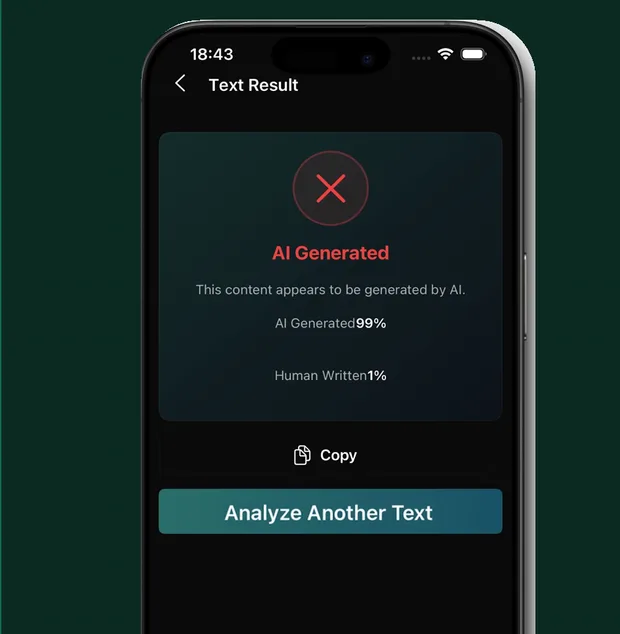
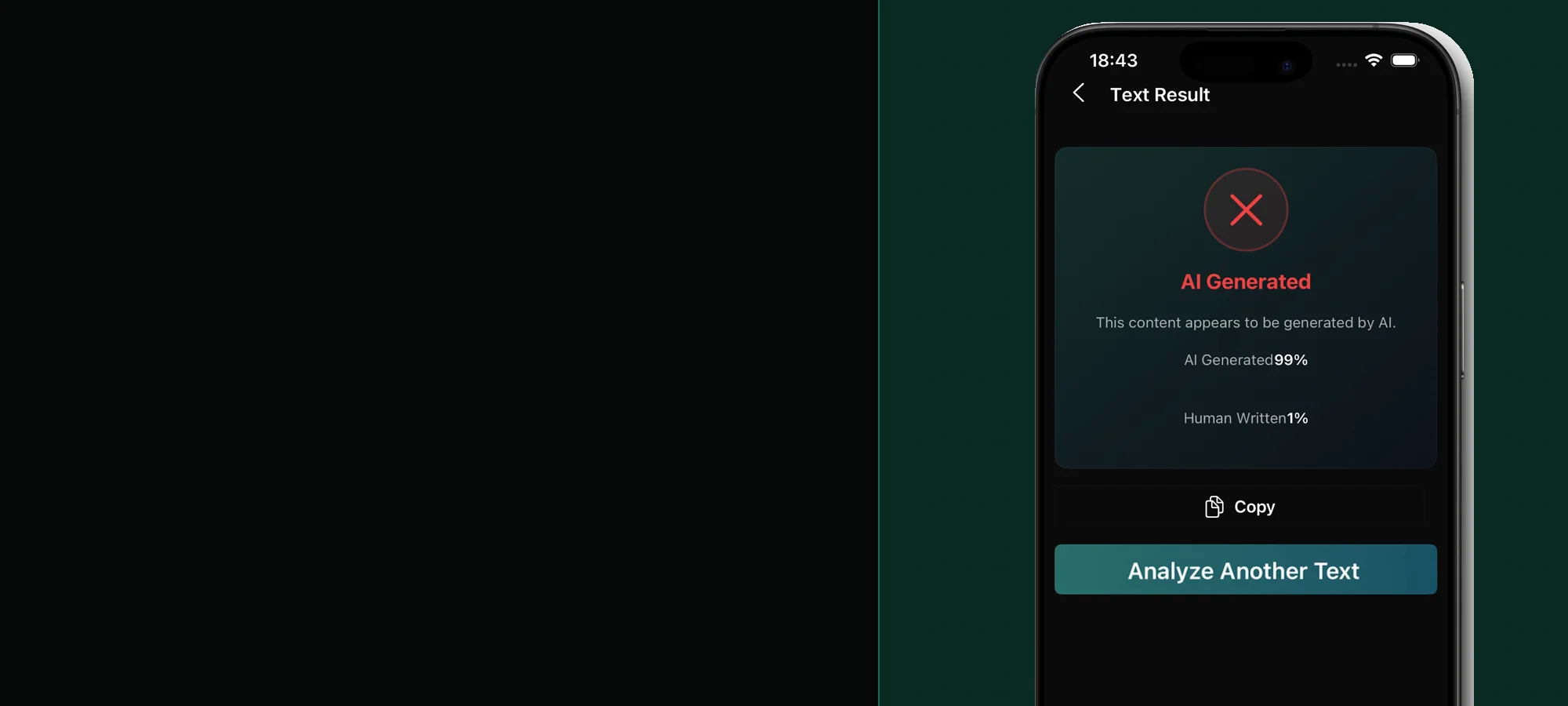
Text Detection
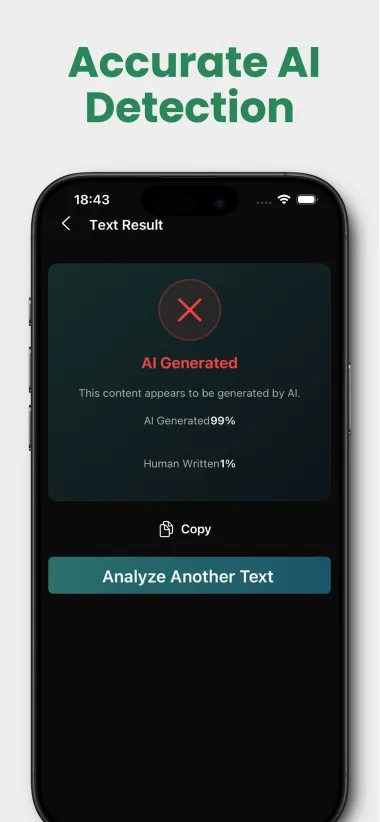
Paste, scan, or import writing and review a clear AI probability, human probability, and mixed-content status.
 Zero.GPT app for iOS and Android
Detect AI. Understand the signal. Write with confidence.
Use one AI detector app for iPhone and Android to check text, photos, and voice recordings, then compare clear AI and human probability signals.


Free to download Subscription required for analysis
One focused toolkit
Stealth AI Detector combines multi-format analysis with practical writing tools, giving you a clearer result and a useful next step.
Paste, scan, or import writing and review a clear AI probability, human probability, and mixed-content status.
Upload JPG, PNG, or WebP images and inspect whether the visual contains signals associated with AI generation.
Analyze MP3, WAV, and M4A recordings for patterns associated with synthetic or AI-generated audio.
Rewrite AI-heavy phrasing into more natural language while preserving the source meaning for your final review.
Choose a topic and target length from 200 to 2,000 words, then generate a structured draft you can edit.
Return to previous detection, humanization, and generation results from your on-device history view.
From input to insight
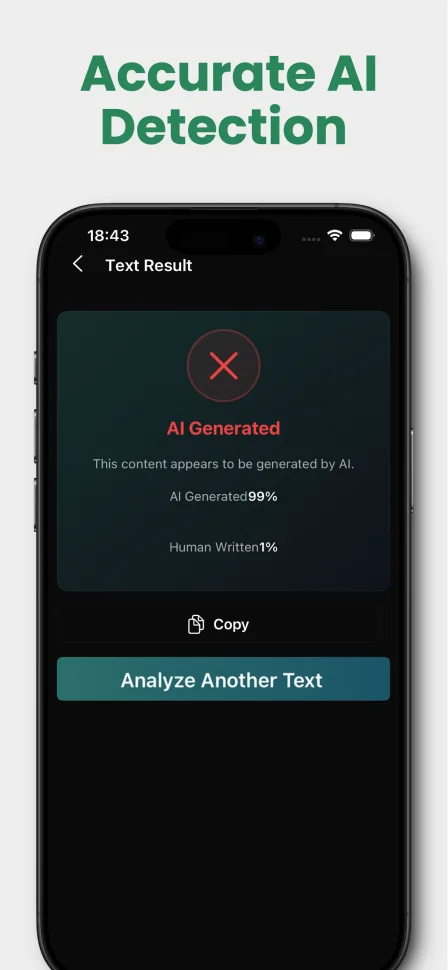
Submit your content, let the detector analyze its signals, then review the score and supporting status before deciding what to do next.
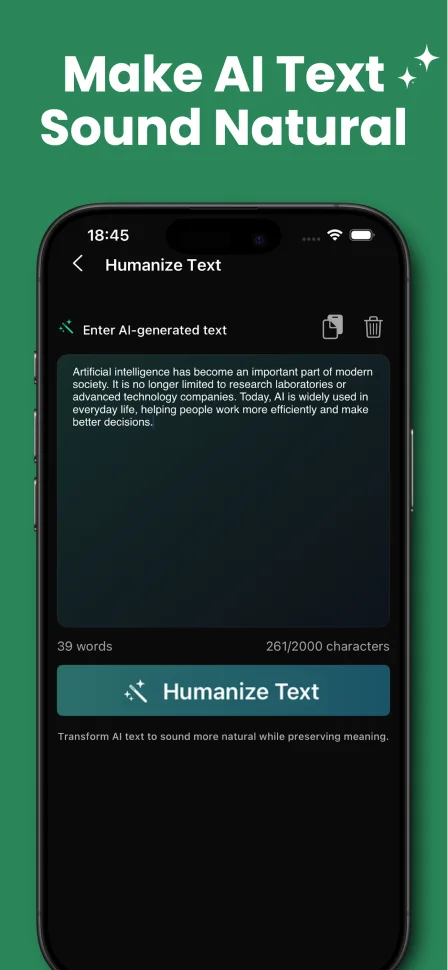
Beyond detection
Humanize Text rewrites AI-heavy phrasing into more natural language. You stay in control by reviewing, copying, and editing the result before use.
Read the humanization guideInside the app
Detection, generation, humanization, and results stay close at hand.
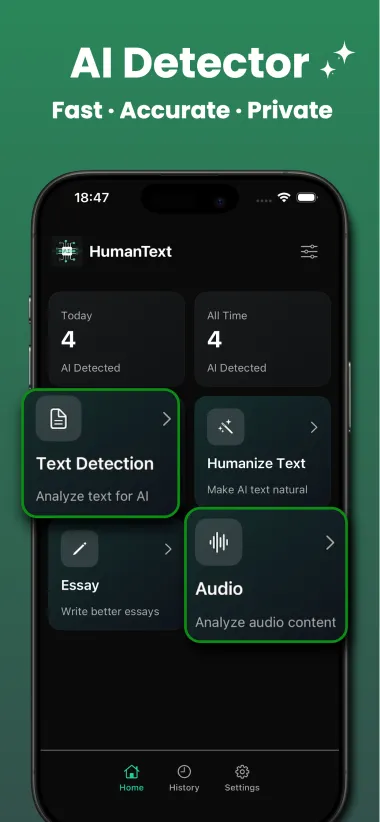
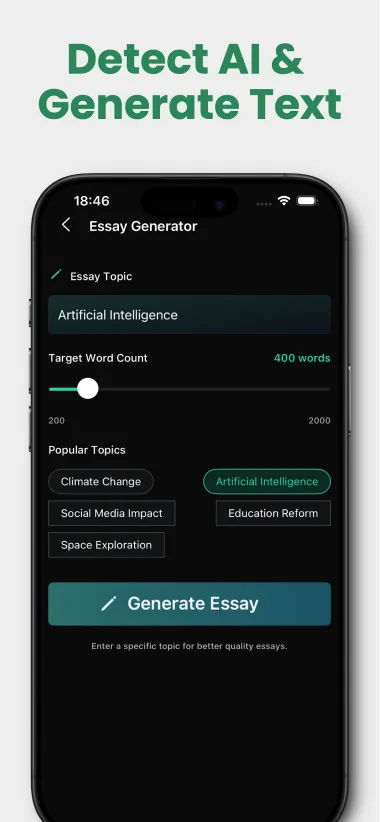
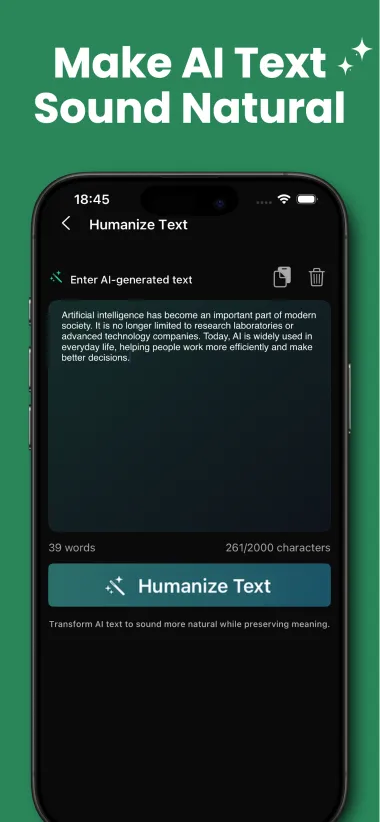
Before and after a mobile scan
Use small, private tools for the work around an AI check: preparing enough text, documenting authorship, counting, and proofreading.
Explore all 13 student toolsCheck the app minimum and sample context before scanning.
Organize drafts, notes, sources, and version history after a flag.
No generative AI or text upload
Live word and character counts
English dictionary checking
Spacing around punctuation
Detection guides
Understand why human writing can trigger an AI detector and what evidence matters more than trying to chase a lower score.
Read guide →A calm, evidence-first process for students who are asked to explain authorship or challenge an AI detection result.
Read guide →A research-based explanation of false positives, detector limits, and why a score should not be used as sole evidence.
Read guide →Prepare a useful text sample, scan it on iPhone or Android, interpret probability scores, and keep the result in context.
Read guide →Check a suspicious photo from your camera roll by combining its source, provenance clues, visual review, and an AI image detector app.
Read guide →Preserve a suspicious voice note, verify the speaker separately, and analyze MP3, WAV, or M4A recordings on your phone.
Read guide →Improve rhythm, specificity, and voice while keeping the original point intact and reviewing every change.
Read guide →Questions, answered
AI detection is useful when its limits are clear. Start with the basics.
The app supports AI analysis for text, images, and audio. It also includes text humanization, essay generation, and a history view for previous results.
They are probability indicators based on patterns found in the submitted content. They should be reviewed alongside context and should not be treated as definitive proof of authorship.
Image analysis supports JPG, PNG, and WebP. Audio analysis supports MP3, WAV, and M4A. Text can be pasted, captured with the camera, or imported from a PDF.
The app requires at least 200 characters for text detection and humanization. Longer, coherent samples generally provide more useful signals than short fragments.
Stealth AI Detector is free to download. Analysis and writing features require an active subscription; current plans and regional pricing are shown in the App Store and Google Play.
No. AI detection can produce false positives and false negatives. Use the result as one signal, review the original source, and avoid making high-stakes decisions from a score alone.
Available now
Download Stealth AI Detector for iPhone or Android. Free to download; analysis features require an active subscription.